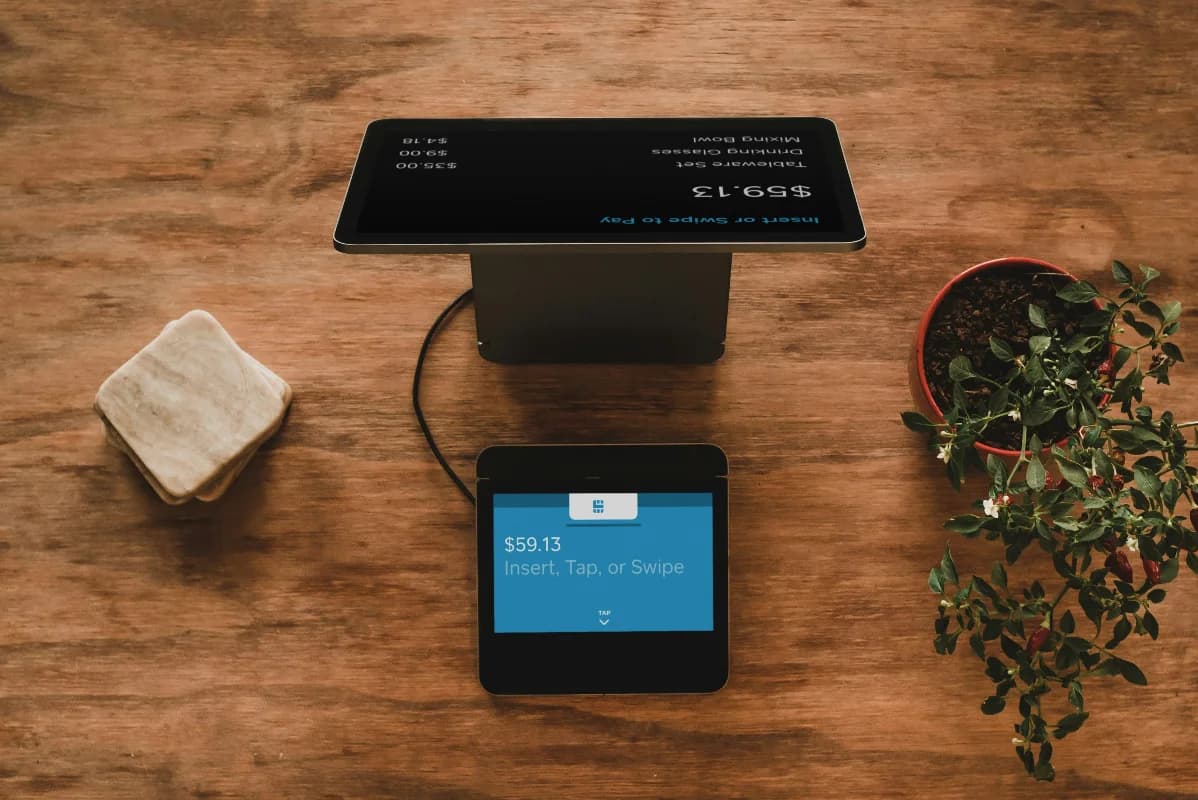
Getting started with Tinuku doesn't require any technical knowledge. You fill in a form — our team takes care of the rest.
Step 1: Fill in the contact form
Visit the Contact page and fill in the form with your business information:
- Your name and contact details
- Business name and type
- Any needs or questions you'd like to share
Step 2: The Tinuku team reaches out
After you submit the form, our team will get in touch to:
- Understand your business needs in more detail
- Walk you through the features most relevant to you — POS, reports, master data
- Schedule a setup time that works for you
Step 3: Our team handles the setup
The Tinuku team will configure the POS system based on your business:
- Account configuration and initial data
- Products, categories, and suppliers set up according to your business
- POS and reports tested and ready to go
Step 4: You receive your login credentials
Once setup is complete, you'll receive credentials to log in:
- An admin account to manage the full system
- Cashier accounts for staff working at the register
From there, you can start taking transactions, viewing reports, and managing master data right away — no additional setup needed.
Ready to get started?
Fill in the contact form now and our team will be in touch shortly.