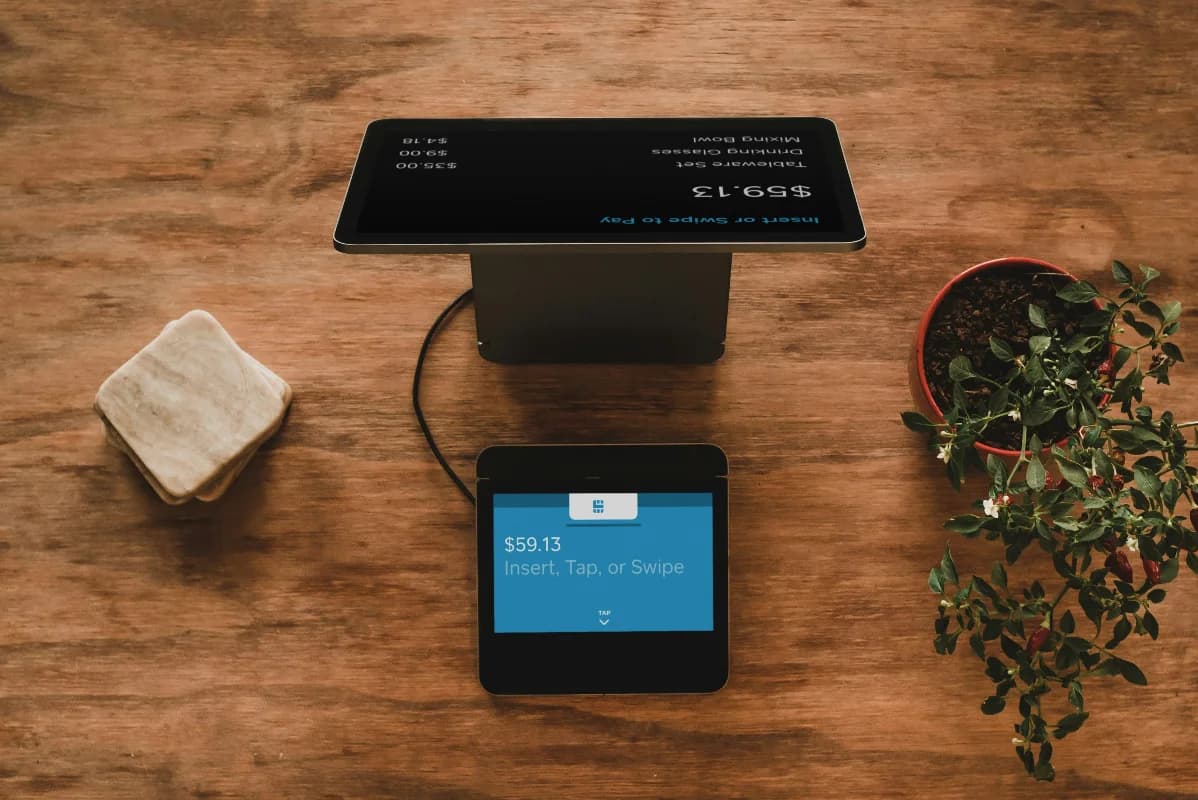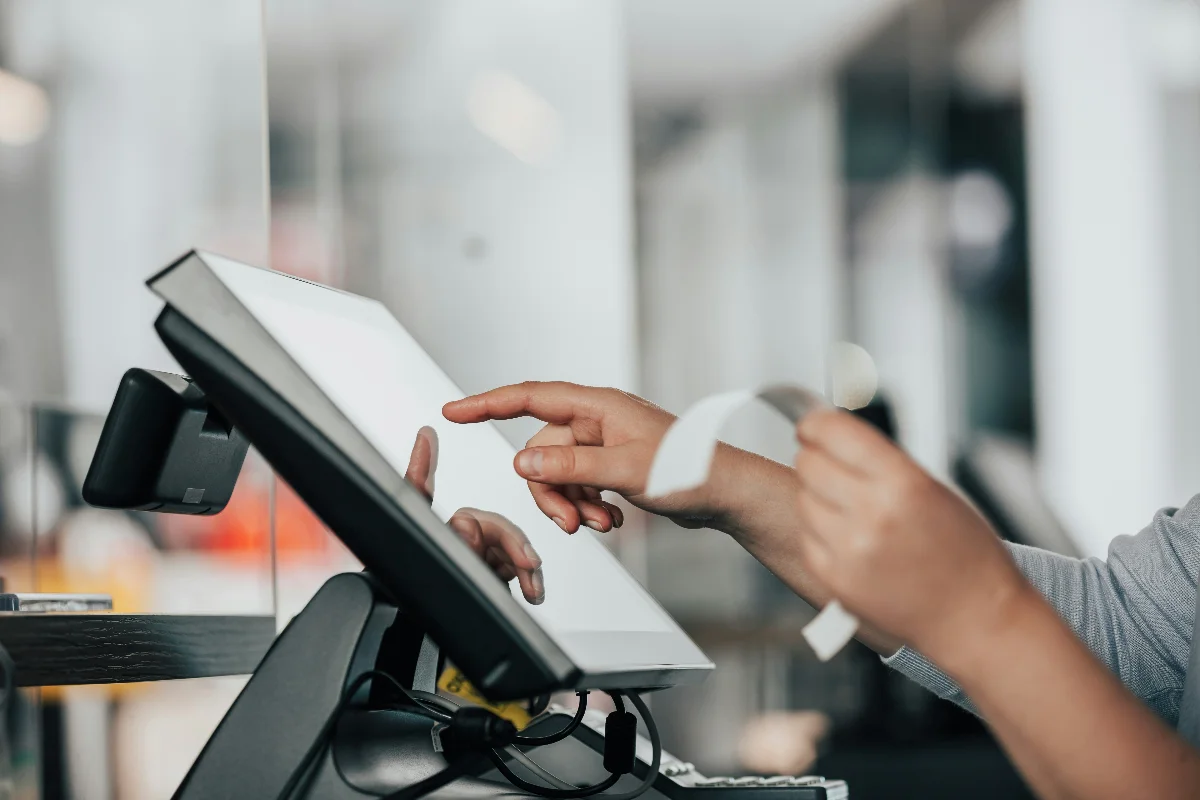
Almost every POS app out there claims to be "complete" and "easy to use." But the real test isn't the landing page, it's what happens on a busy Saturday afternoon when the line is five people deep and your cashier is still figuring out where the discount button is.
So instead of trusting the marketing copy, just check for these seven features directly. Missing even one or two usually means you'll end up doing extra manual work that a decent system should've handled for you.
1. A Checkout That Doesn't Slow Everyone Down
This sounds obvious, but it's the one people underestimate the most. Finding a product, adding it to the cart, and closing out the sale should take a few taps, not a tour through five different screens.
Look for:
- Fast product search by name, no endless scrolling
- A cart view that clearly shows price and quantity per item
- A receipt that prints automatically once the sale is done, no extra steps needed
A slow checkout isn't just annoying for customers waiting in line during peak hours — it directly affects how many people you can actually serve.
2. Barcode Support — Both Scanning and Printing
Typing product names or codes by hand is one of the easiest ways to introduce mistakes at checkout: wrong item, wrong price, or just a transaction that takes longer than it should.
A decent POS should let you:
- Scan barcodes during checkout, which speeds things up and cuts down on input errors
- Generate barcodes directly from the system for products that don't come with one from the manufacturer, so you're not stuck needing separate labeling software
3. Discounts That Are Actually Flexible
Retail discounts are rarely one-size-fits-all. Sometimes it's a scheduled promo on a specific product. Other times it's a one-off, on-the-spot discount your cashier needs to apply for a regular customer or a slightly damaged item.
Check whether the system supports both:
- Per-product discounts, set up in advance and toggled on or off as promos start and end
- Manual discounts at checkout, in either a flat amount or a percentage, for the situations you can't plan for ahead of time
If a system only offers one of these, your cashiers will hit a wall the moment a real-world exception shows up.
4. Payment Method Tracking, Automatically
Customers today pay however they want — cash, bank transfer, QRIS, whatever's convenient. Your POS should log every transaction with the correct payment method and an accurate timestamp, without anyone having to note it down separately.
This matters beyond just tidy records. At the end of the day, you need to know exactly how much cash should be sitting in the drawer, separate from whatever came in through non-cash payments.
5. Sales Reports You Can Actually Filter and Export
A report that only shows a single total sales number for the day isn't much use for decision-making. A genuinely useful report lets you:
- Filter by a specific date range
- Filter by payment method
- Open individual transaction details straight from the list
- Export to Excel (CSV) or PDF, so you can hand it to your accountant or dig into it further yourself
6. Supplier Reports — Not Just Sales Reports
This one gets overlooked constantly, but it's a lifesaver if you work with multiple suppliers. A supplier report shows which products from each supplier have sold, along with total units and total value (quantity × cost price).
With this, you can spot which supplier's products are actually moving, which ones need restocking sooner, and which supplier relationships might be worth reconsidering — without manually crunching numbers from a plain sales log.
7. Role-Based Access: Admin vs. Cashier
This isn't about not trusting your staff, it's about managing business risk sensibly. A solid POS should have at least two access levels:
- Admin — full access to products, reports, suppliers, discounts, and user management
- Cashier — can process transactions but can't change prices, view financial reports, or create new accounts
Without this separation, anyone who logs in has the same access as the owner — including to data that really shouldn't be that easy to reach.
How to Actually Confirm These Features Work (Not Just Exist)
Features listed on a pricing page don't always work as smoothly as promised. Before committing to any system, run it through a real scenario: process a sale with a discount applied, scan a barcode, print a receipt, and open up a report to see if the data actually makes sense. And bring in the person who'll be using it every day — your cashier will spot a clunky system faster than anyone else.
Want to see all seven of these working together in one place? Try the Tinuku demo — no sign-up required.
Want a broader guide on evaluating POS software overall? Check out How to Choose a POS App for Your Retail Store, or see 5 Ways Tinuku Helps You Run Your Retail Business.